Q: I need to append some text to every line in a large file. Is there a better way than repeatedly pasting the text?
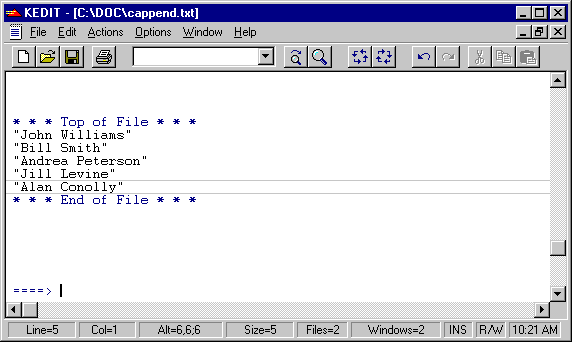
A: Using a combination of the CAPPEND command and the REPEAT command can speed the process considerably. Say you have a file like this:
Position the current line to be the first line of the file. Now issue this CAPPEND command from the command line:
cappend "
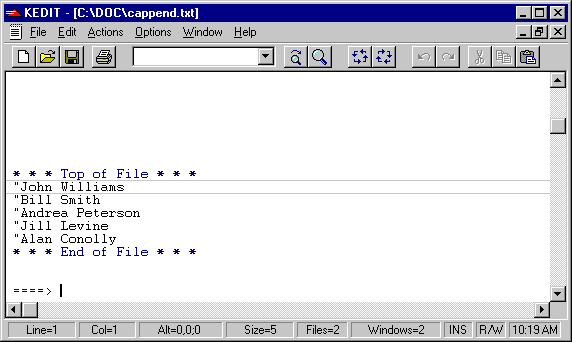
The CAPPEND command (Column APPEND) will append the text you specify to the end of the current line. This particular command results in this:
If you now issue this command:
repeat *
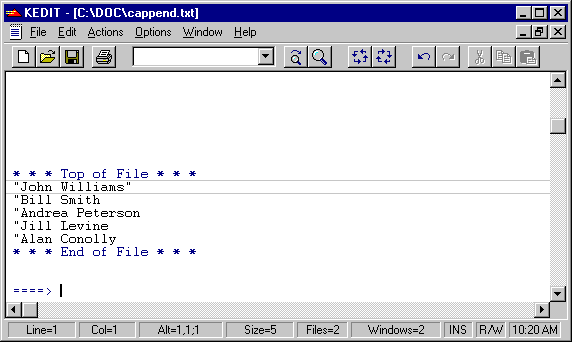
The CAPPEND command is repeated for each line in the file, resulting in this: